 Old Habits
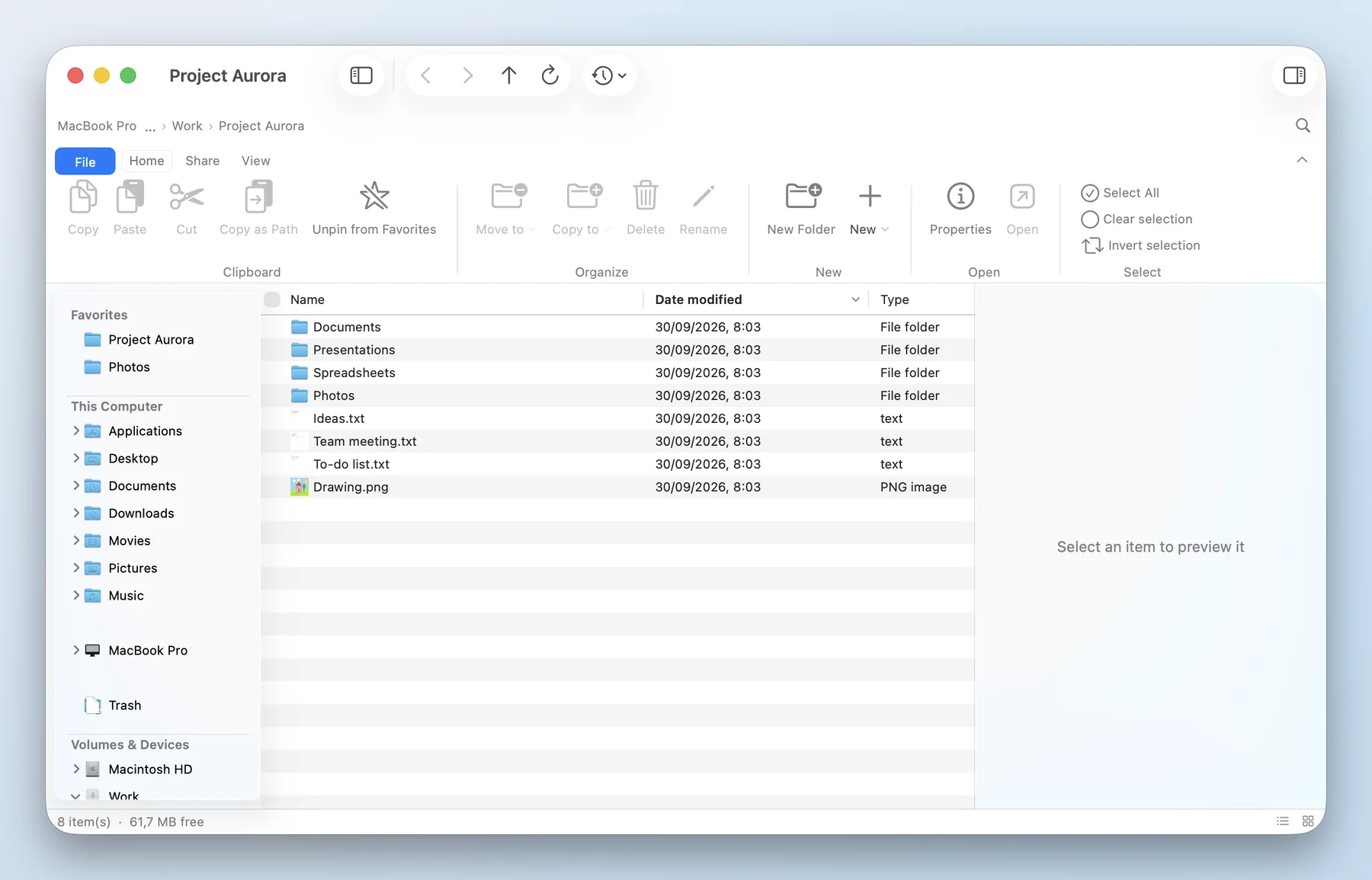

Old Habits Explorer
on Windows: File Explorer
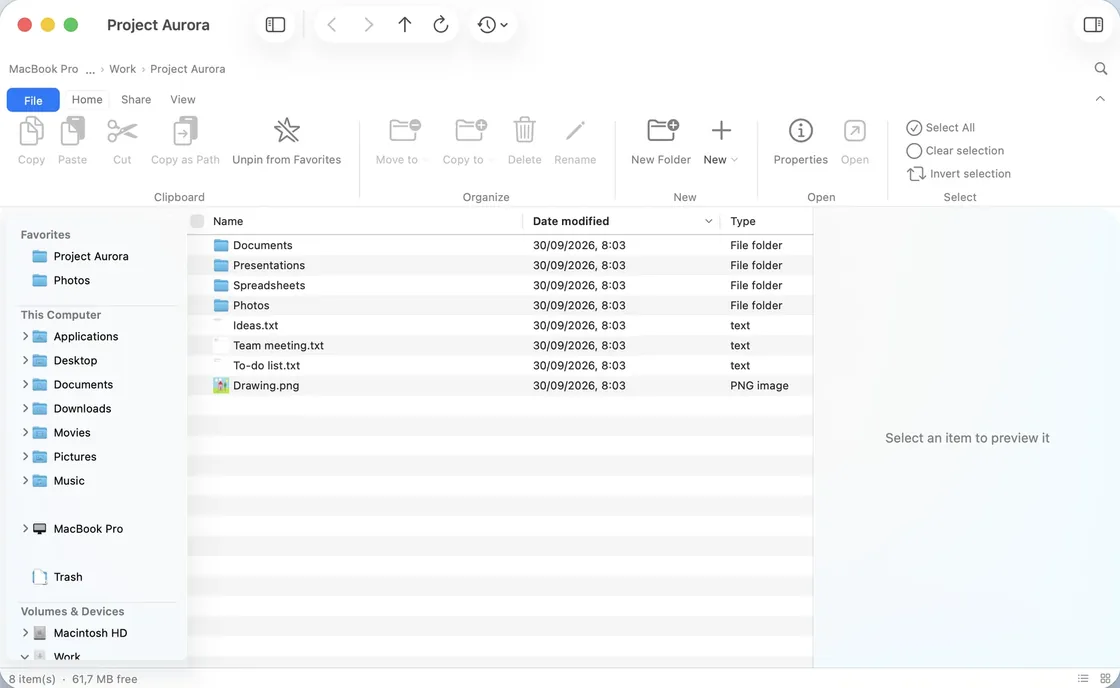
Sidebar tree with This Computer, address bar, tabs, the Ribbon or the Windows 11 command bar. Real cut and paste for files, F2 to rename, Properties with ⌥↩.
All about Explorer →For people coming from Windows
Old Habits brings what you used on Windows to the Mac — File Explorer, Paint, Notepad, windows that snap to the edges and window switching with thumbnails — with the same shortcuts. Native, light, and out of your way.
One-time purchase, no subscription. macOS 26 or later · Mac with Apple silicon
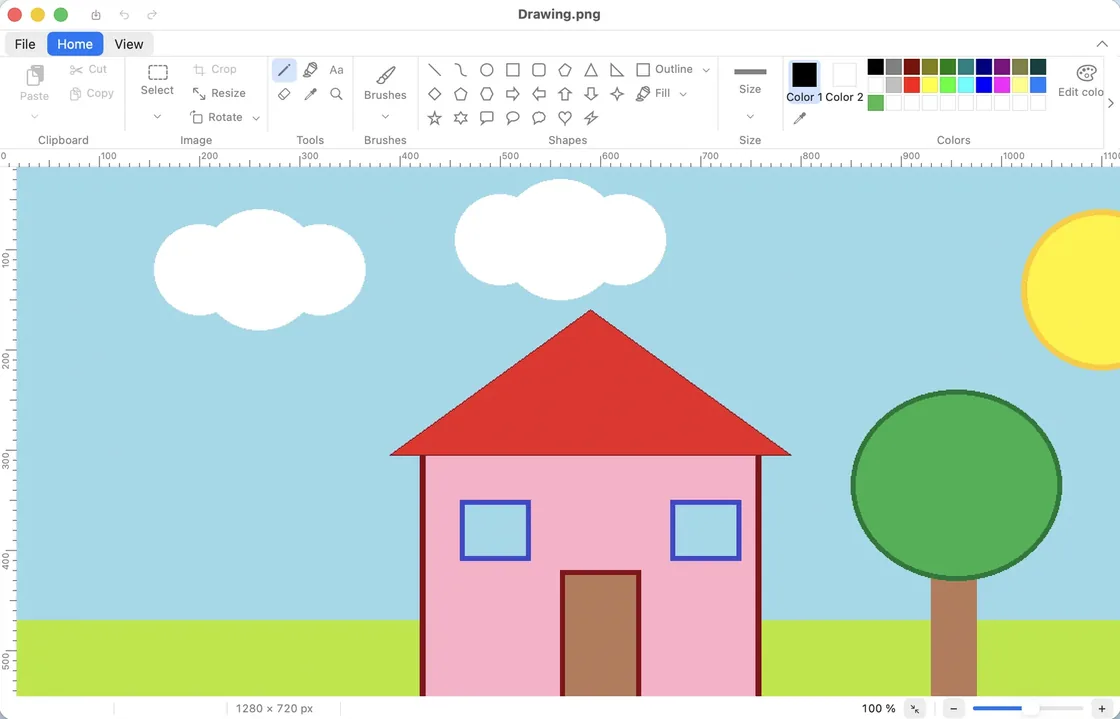
Try it right here: drag a window to the edge, or press the keys.
Habit dictionary
Nothing new to memorize. Every move that was automatic on the PC has a match on the Mac — almost always in the same spot on the keyboard.
| On Windows | On the Mac, with Old Habits | What happens |
|---|---|---|
| AltTab | ⌘Tab | Switches between windows, with thumbnails⌘ sits where Alt used to be. |
| Win←/→ | ⌃⌥←/→ | Snaps the window to the left or right halfDragging to the edge does the same; to a corner, a quarter of the screen. |
| Win↑/↓ | ⌃⌥↑/↓ | Maximizes and restores |
| WinZ | ⌃⌥Space | Opens the layouts panelSix ready-made layouts out of the box, and you can draw your own. |
| WinV | ⌃⌥V | Opens the history of what you copied |
| CtrlC·CtrlV | ⌃C·⌃V | Copies and pastes files in Old Habits ExplorerControl is still Ctrl. |
| F2 | F2 | Renames the selected fileSame. And Delete moves it to the Trash. |
What’s in the box
Three full apps and four changes to how you handle windows. Each one has its own switch: turn on only what you miss.
on Windows: File Explorer
Sidebar tree with This Computer, address bar, tabs, the Ribbon or the Windows 11 command bar. Real cut and paste for files, F2 to rename, Properties with ⌥↩.
All about Explorer →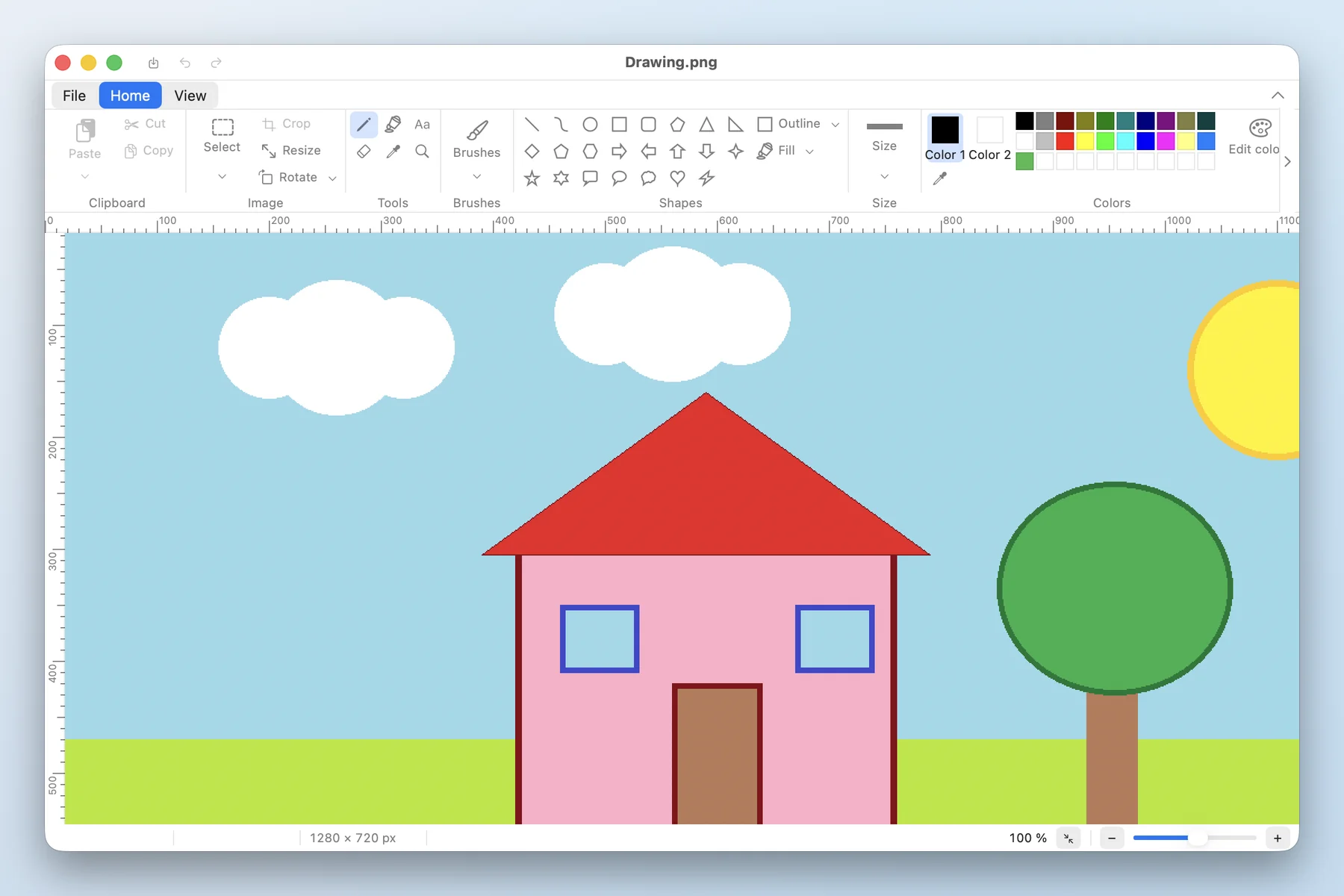

on Windows: Paint
The Ribbon, the palette, the brushes and the shapes right where you expect them. Opens and saves PNG, JPEG and BMP; also reads TIFF, GIF and HEIC.
All about Paint →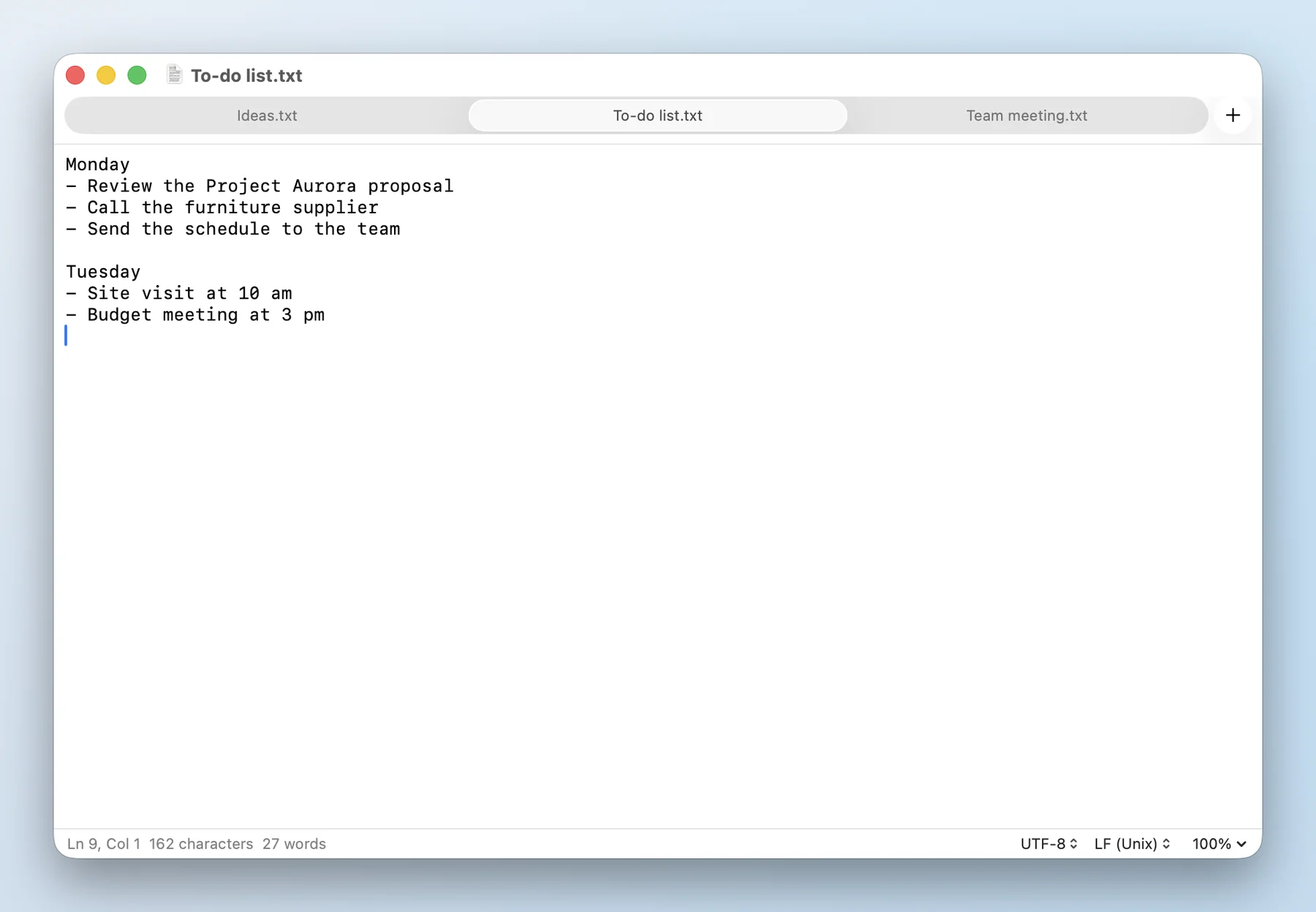

on Windows: Notepad
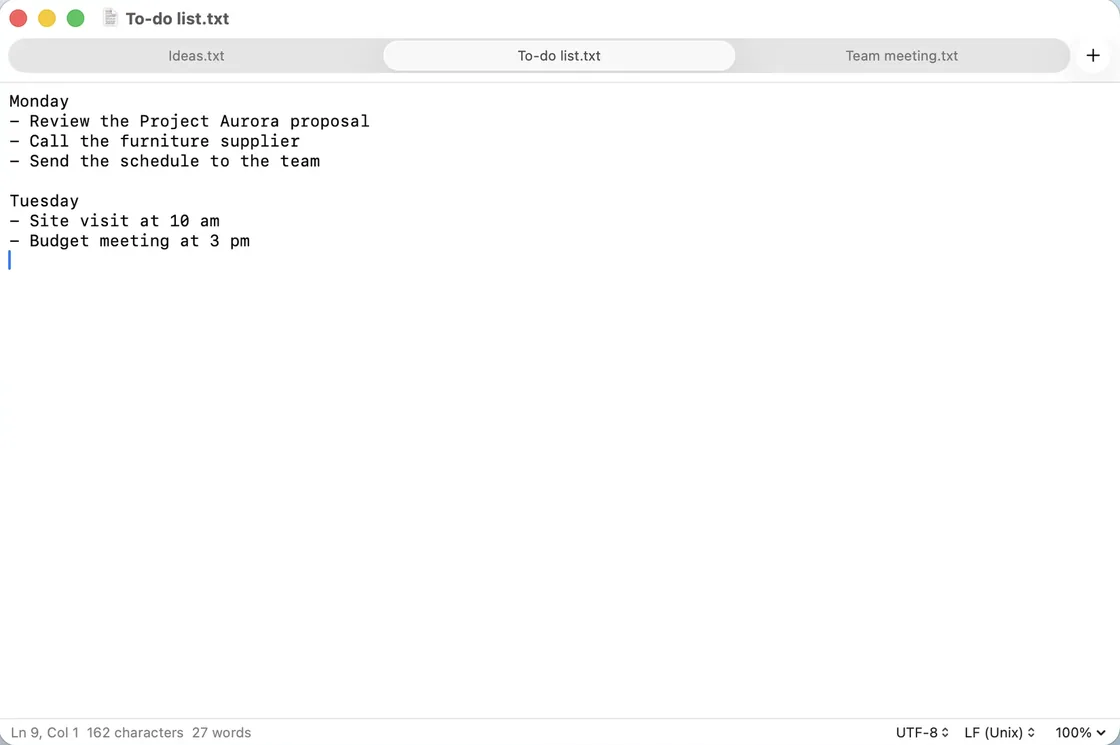
Tabs, a session that comes back the way you left it, Find and Replace with F3. Reads and writes ANSI, UTF-16 and CRLF line endings — files from Windows open right.
All about Notes →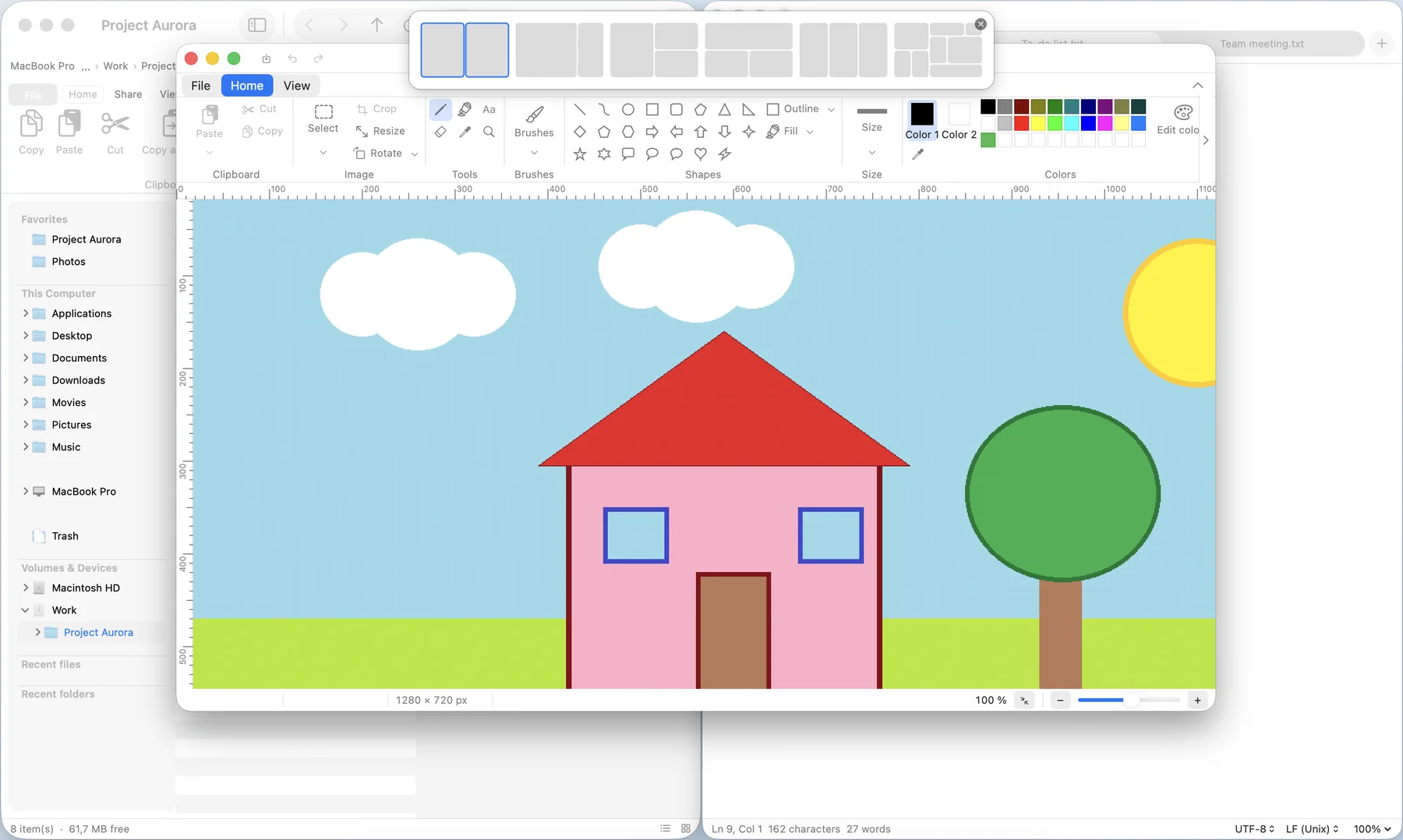
on Windows: Snap and layouts
Drag a window to the edge and it takes half the screen; to a corner, a quarter. Ready-made layouts, a zone editor and suggestions to fill the rest.
Learn more →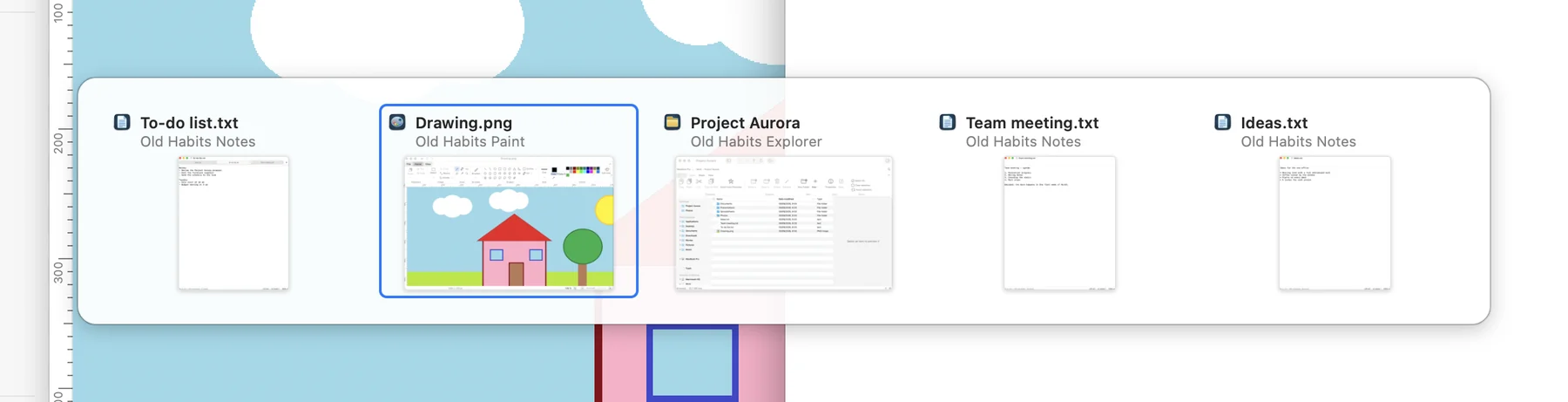
on Windows: Alt + Tab
Switches windows, not apps, with a thumbnail of each. Two windows of the same app are two entries, just like on Windows.
Learn more →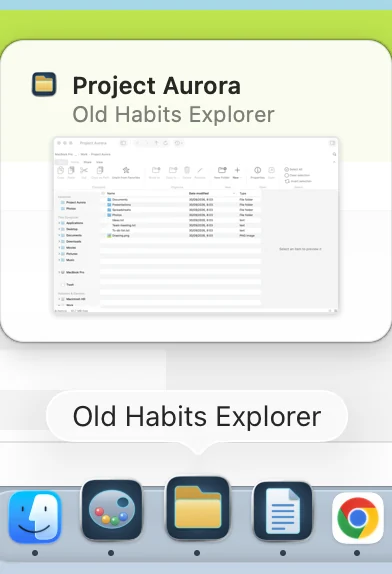
on Windows: taskbar previews
Hover over a Dock icon to see that app’s open windows. One click brings the right window to the front.
Learn more →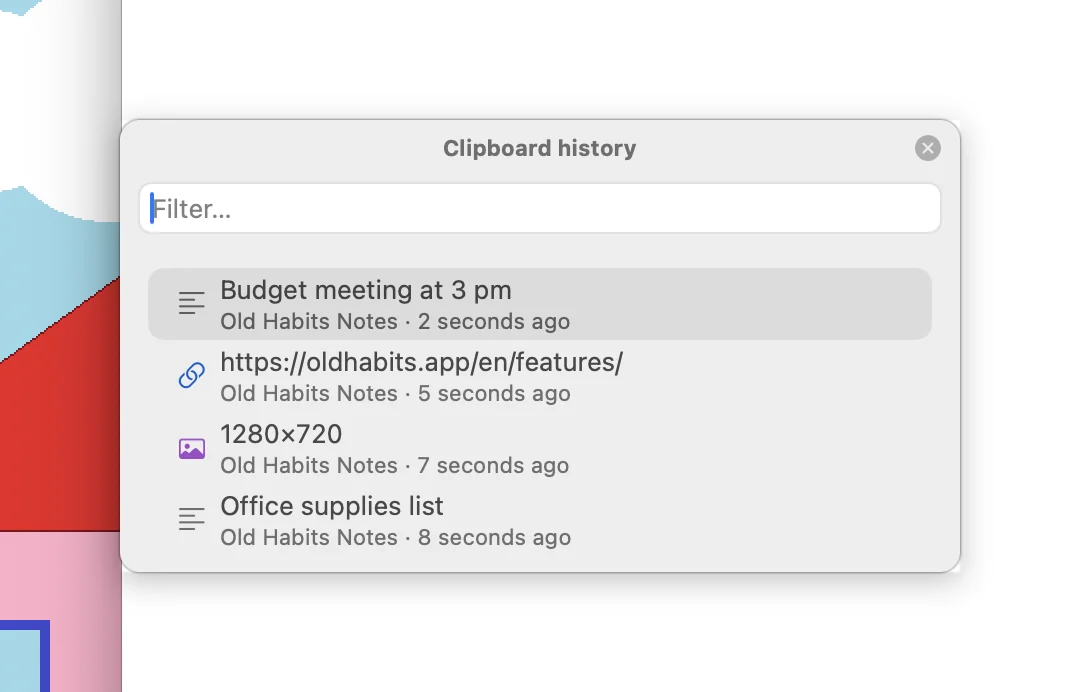
on Windows: Win + V
Everything you copied, in one panel. Pin items, paste as plain text, pick by number. Passwords copied from password managers stay out.
Learn more →And also: choose what happens when you close the MacBook lid on the power adapter, and open your phone (Android or iPhone) over a USB cable as a folder in Explorer. See all features →
Why Old Habits
In Old Habits Explorer, Paint and Notes, Control does what Ctrl did: ⌃C, ⌃V, ⌃Z, ⌃Y. Prefer the Mac way? One option switches everything to ⌘.
Each tool has its own switch. Out of the box only Snap is on; the rest waits until you ask.
Finder, the Dock and system shortcuts stay where they are. Old Habits lives in the menu bar and adds what was missing.
Every tool shortcut can be re-recorded, with a warning when it clashes with another one or with a shortcut reserved by macOS.
Trust
Signed with a Developer ID and notarized: macOS checks where the app comes from before opening it. No security exceptions needed to run it.
No account and no telemetry. The app only connects to check for updates at oldhabits.app and, once, to activate your license — no system profile. Clipboard history lives in memory only.
Built with macOS’s own frameworks, no embedded browser. Light enough to run all day.
Trial and purchase
Enter your email and we’ll send you a trial code. The 14 days count from activation in the app, and the code must be used within 30 days. One trial per Mac.
macOS 26 or later · Mac with Apple silicon · English and Portuguese
1 Mac
One-time purchase, no subscription. Updates arrive through the app itself.
up to 3 Macs
The same license on up to three Macs. One-time purchase, no subscription.
Payment is processed by Paddle. The price, with your country’s sales taxes (in Brazil, plus IOF), is shown in the checkout window before you confirm, and the license code arrives in your email. Old Habits is not yet on sale in the European Union, the European Economic Area or the United Kingdom.
Questions
No. It’s a separate app with its own icon. Finder keeps working as always, and you use whichever you like.
Just one thing: while Snap is on, macOS’s own window tiling is turned off so the two don’t fight. Turn Snap off or quit the suite and it comes back — and there’s a button to revert it right away.
Accessibility, to move windows and respond to shortcuts. Screen Recording is optional and only used for thumbnails; without it you see the icon and title. Old Habits Explorer asks for Full Disk Access only to show the Trash.
No. Old Habits requires a Mac with Apple silicon and macOS 26 or later.
English and Portuguese. It follows the system language by default, and you can pick one in the preferences.
Try it free for 14 days. Like it? One-time purchase, no subscription — made here on this site, and updates arrive through the app itself: Individual for 1 Mac or Multi for up to 3 Macs. The price, with your country’s sales taxes (in Brazil, plus IOF), is shown in the checkout window before you confirm.